How UV inkjet inspection differs from flexo
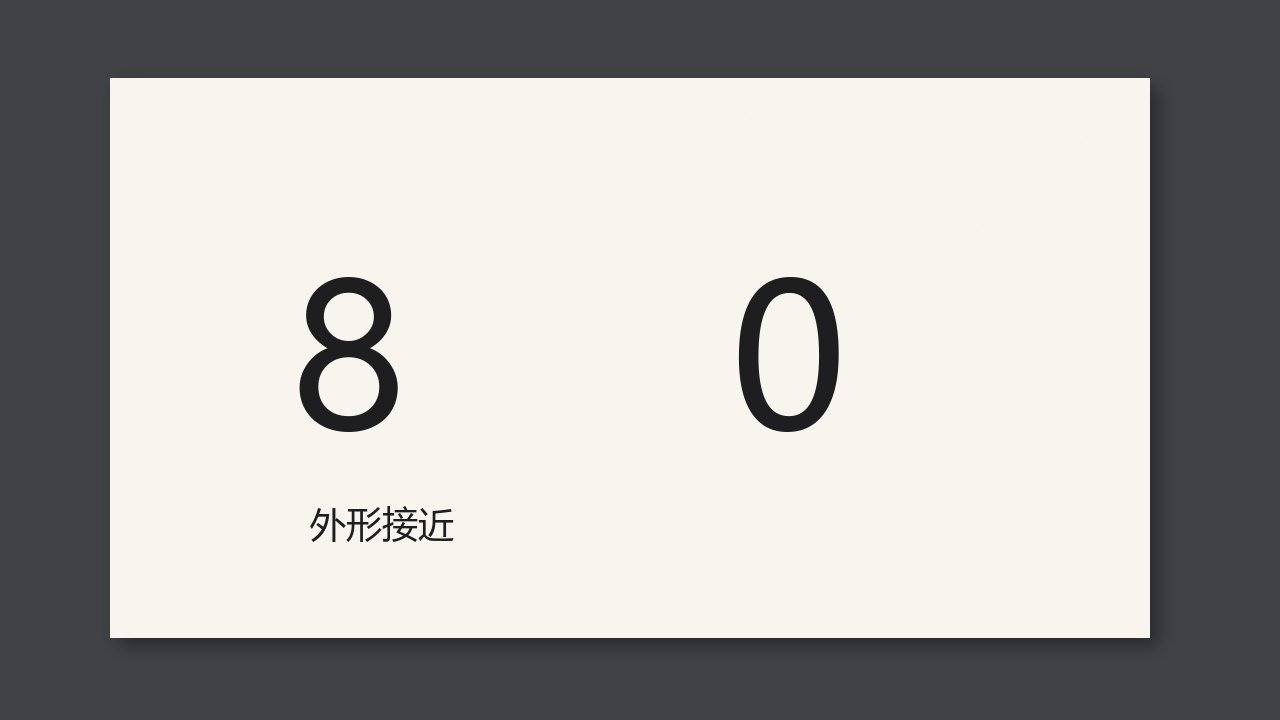
UV inkjet and flexo do not share the same dot. Inkjet commonly shows scatter or a streak. Flexo dots come from the anilox cell. Judging inkjet with a flexo dot template will call a normal scatter a dirty plate.
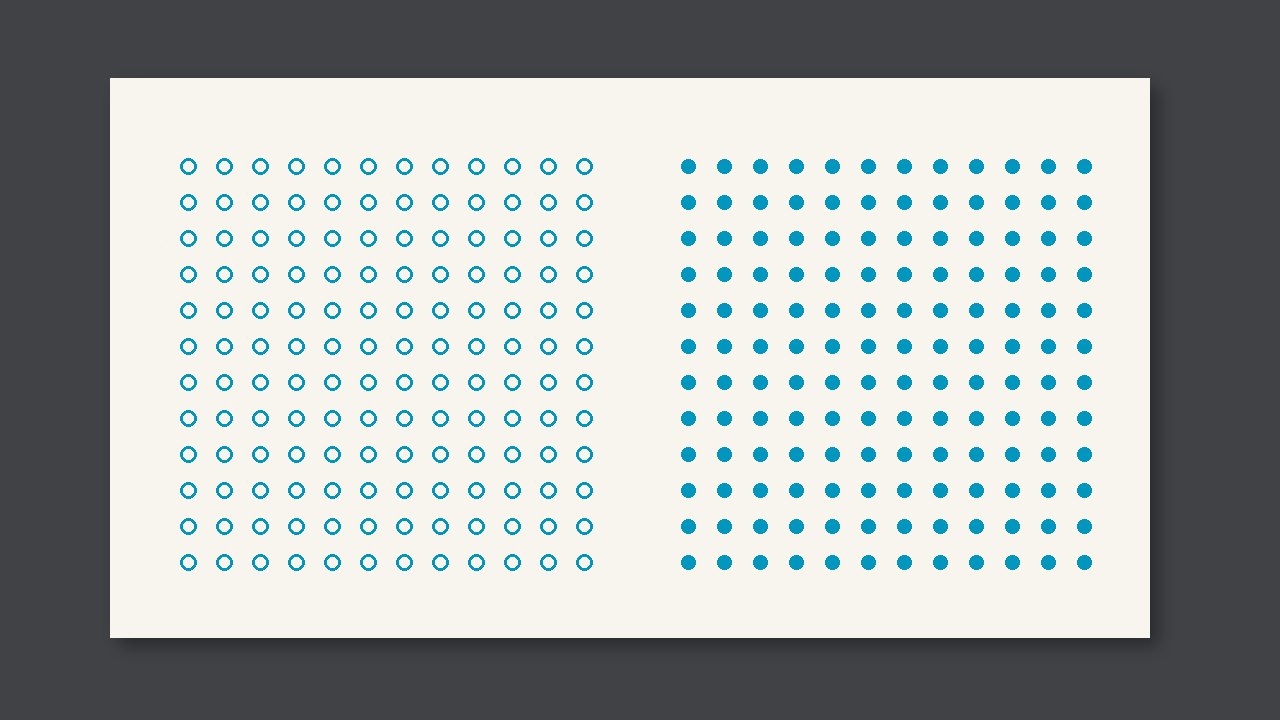
UV inkjet and flexo do not share the same dot. Inkjet commonly shows scatter or a streak. Flexo dots come from the anilox cell. Judging inkjet with a flexo dot template will call a normal scatter a dirty plate. The defects differ too: inkjet looks first at a clogged head and streaks; flexo looks first at the anilox and the doctor blade.
Why it is judged this way
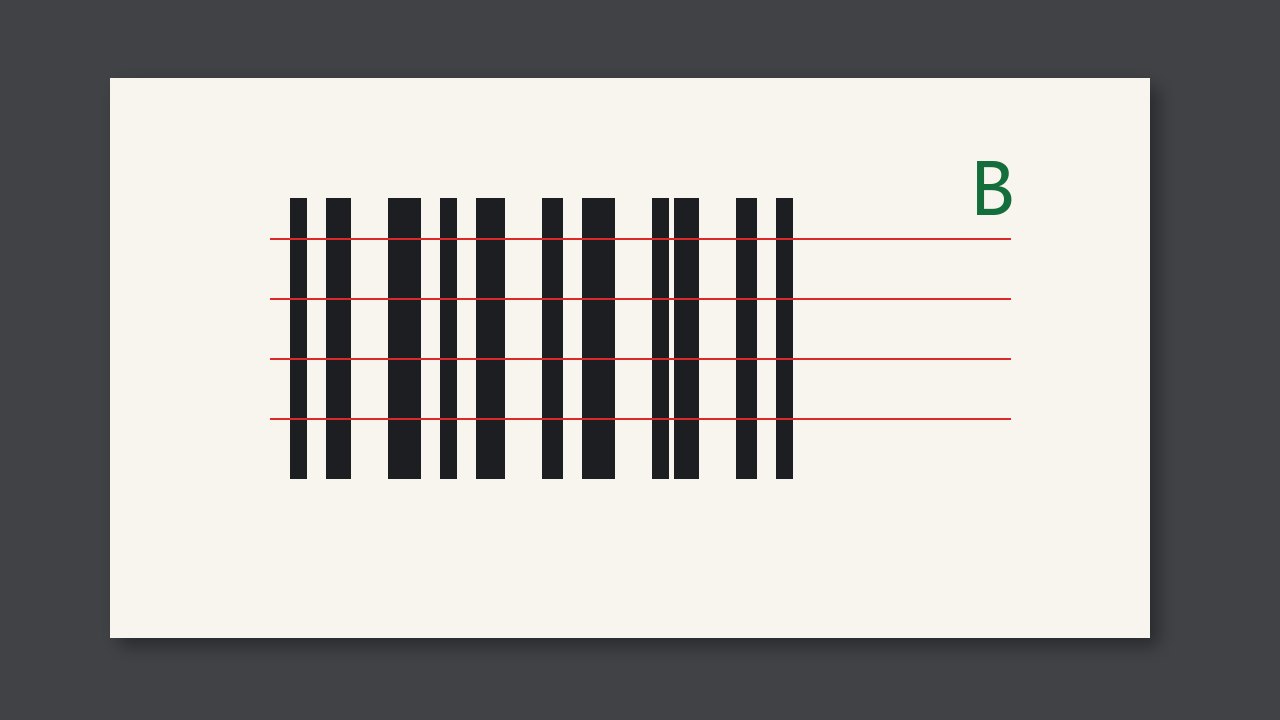
One inspection system can see both processes, but the templates must be separate. A broken fine line on inkjet is often a few clogged nozzles, and the gap sits on the nozzle pitch. A fine line on flexo that runs with the web looks like a doctor blade. Look at direction and pitch before you touch anything.
What to compare
| What you see | What to call it | What not to do |
|---|---|---|
| Missing lines across the web at the nozzle pitch | Clean the head first | Change the doctor blade |
| A fine line along the web | Look at the doctor blade or the anilox first | Clean the head |
| The dot shape differs but stays even | A normal process difference | Call it a dirty plate |
At job change or when a roll is opened
- Confirm this job is inkjet or flexo, and load that template.
- On inkjet, try a sample with one nozzle blocked and confirm the alarm.
- Do not use a signed sample from the other process as the template.