How to inspect a short-run digital label that changes every roll
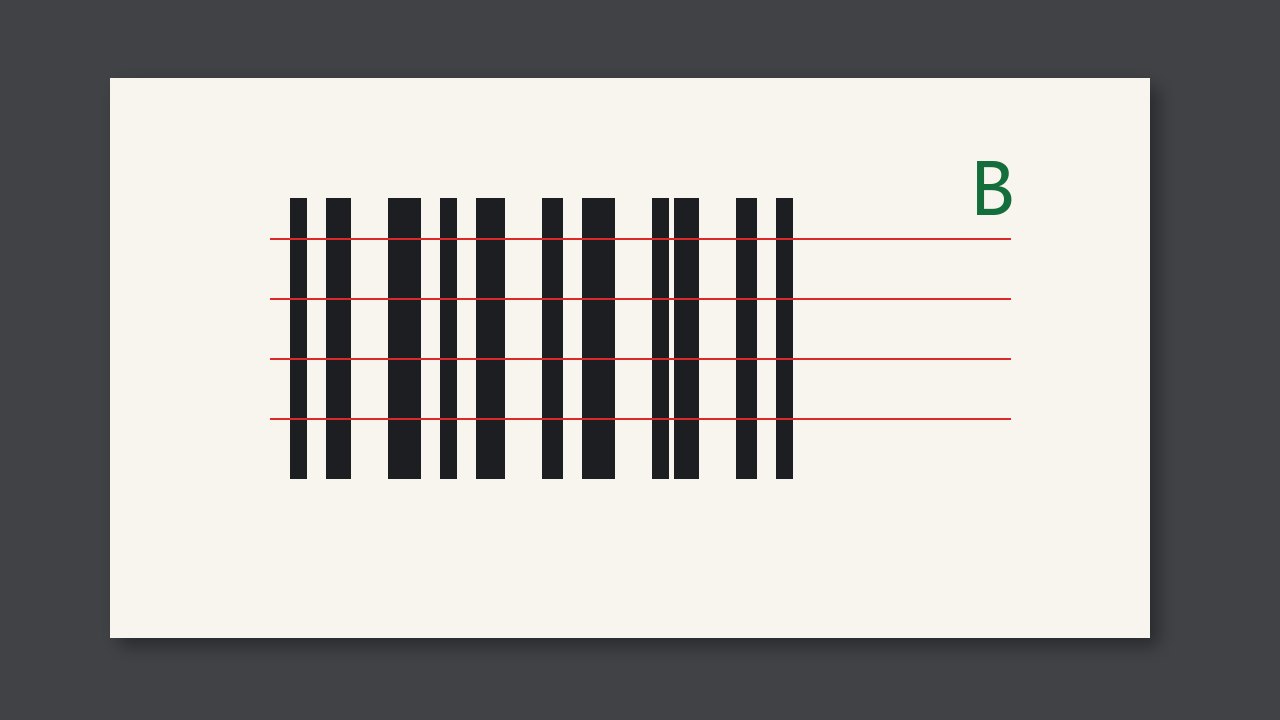
A short-run digital label that changes every roll cannot be covered by one fixed template. Variable numbers and barcodes are checked against a rule. Only the artwork that does not change is compared with the template.
A short-run digital label that changes every roll cannot be covered by one fixed template. Variable numbers and barcodes are checked against a rule. Only the artwork that does not change is compared with the template. If the first label is the template for the whole roll, every later legal change will alarm.
Why it is judged this way
The point of a short digital run is that each label can differ. If the inspection treats a difference as a defect, the operator can only switch the system off. Fixed marks are still inspected on every label. This roll's number range is written on the job ticket. A number outside that range stops the run.
What to compare
| What you see | What to call it | What not to do |
|---|---|---|
| The number is inside the job range | Pass | Alarm because it differs from the first label |
| The number is outside the range or repeats | Stop | Look only at whether the artwork looks fine |
| A fixed mark is missing | Stop | Skip the whole job because the data varies |
At job change or when a roll is opened
- Mark which areas vary.
- Enter this roll's number range.
- Try an out-of-range number and confirm the alarm.