What to change when the substrate is metallised film
After the substrate changes to metallised film, light straight on easily turns the aluminium face into a white sheet. Fine type and pinholes both disappear. Change to a light that holds the reflection down, often coaxial light or an angle, and make the template again. Keeping the paper lighting makes the acceptance mea
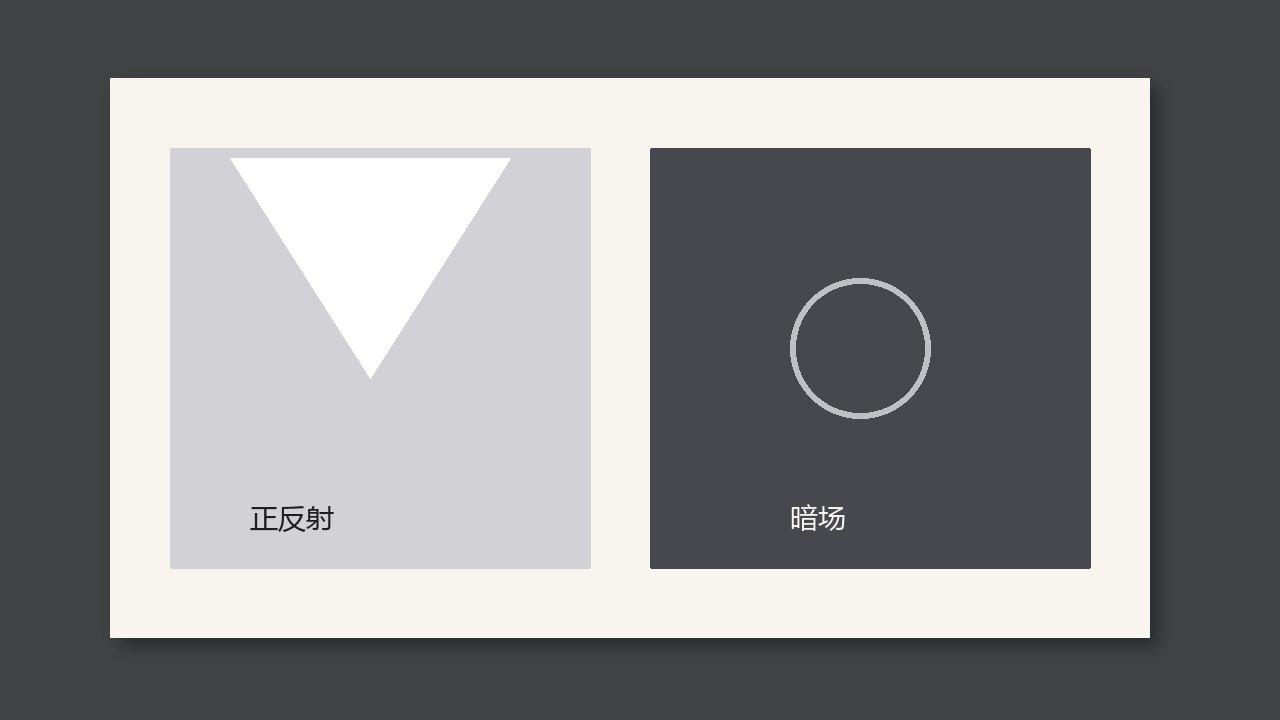
After the substrate changes to metallised film, light straight on easily turns the aluminium face into a white sheet. Fine type and pinholes both disappear. Change to a light that can hold the reflection down, often coaxial light or an angle, and make the template again. Keeping the paper lighting makes the acceptance meaningless.
Why it is judged this way
The mirror reflection of the aluminium face covers the difference in the ink. Type that an operator can see by looking from the side may be one bright field to the camera under straight light. First press the bright patch down, then look for missing print and pinholes in the foil stamp. Do not move the threshold before the reflection is dealt with.
What to compare
| What you see | Call it | Do not |
|---|---|---|
| A large area of the aluminium face is blown out | Change the light angle or use coaxial light first | Add sensitivity |
| After the reflection is held down, the fine type is clear | Then make the template | Keep the paper template |
| Pinholes remain after the light is stable | Treat them as defects | Call them reflection |
Check at a job change or a new roll
- When the job changes to metallised film, look at the histogram first. There must not be a large dead white.
- Use the smallest text to confirm it can still be read.
- If the light was changed, make the template again. Do not keep the previous job.