How to set a quiet-zone check that matches the barcode spec
Quiet zones are set in modules for that symbology, not a fixed millimetre. EAN-13 is 11 modules on the left and 7 on the right. When module width X is 0.33 mm, the left side is about 3.6 mm. If inspection is set to 2 mm on both sides, a failing code will show as pass.
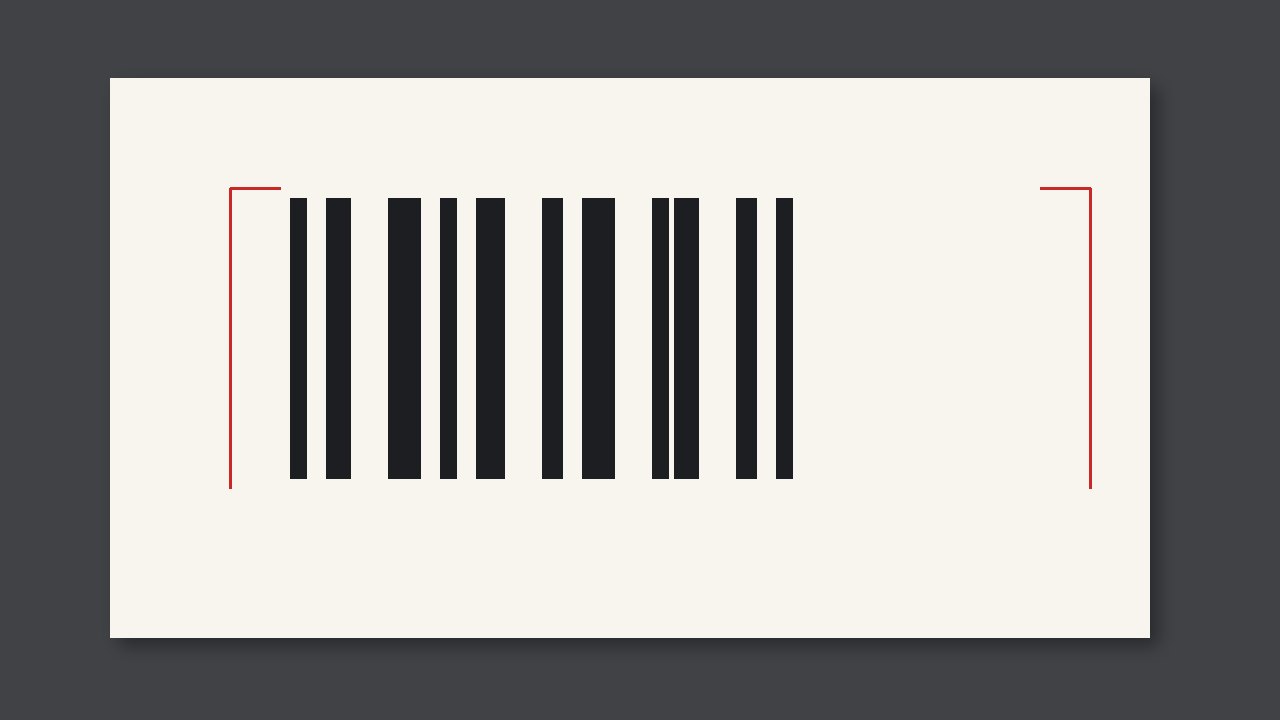
Quiet zones are set in modules for that symbology, not a fixed millimetre. EAN-13 is 11 modules on the left and 7 on the right. When module width X is 0.33 mm, the left side is about 3.6 mm. If inspection is set to 2 mm on both sides, a failing code will show as pass.
Millimetres are calculated
Modules times this barcode’s X is millimetres. Change X from 0.33 to 0.25 and the millimetre quiet zone shrinks; the module count does not. A camera with “2 mm left and right” frozen will be wrong when magnification changes. UPC-A is commonly 9 modules each side. Code 128 is commonly 10 modules each side. The job’s symbology is the setting. Do not check Code 128 with EAN numbers.
Ink in the quiet zone still fails this item even if the bars still read. Do not loosen the quiet-zone alarm to “the scanner beeps.”
Settings
| Symbology | Left | Right |
|---|---|---|
| EAN-13 | 11X | 7X |
| UPC-A | 9X | 9X |
| Code 128 | 10X | 10X |
When you record, write
- The symbology and X.
- Left and right quiet zones after converting to millimetres.
- Change magnification, change the millimetre threshold; keep the module count.