How to read a densitometer when the customer asked for colour
If the customer asked for colour, read L*a*b* and colour difference on a spectrophotometer. A densitometer number cannot stand in. Density only says whether this ink film is thick; it is for holding the film after colour is already on aim. Density in spec while hue has already drifted is still a fail.
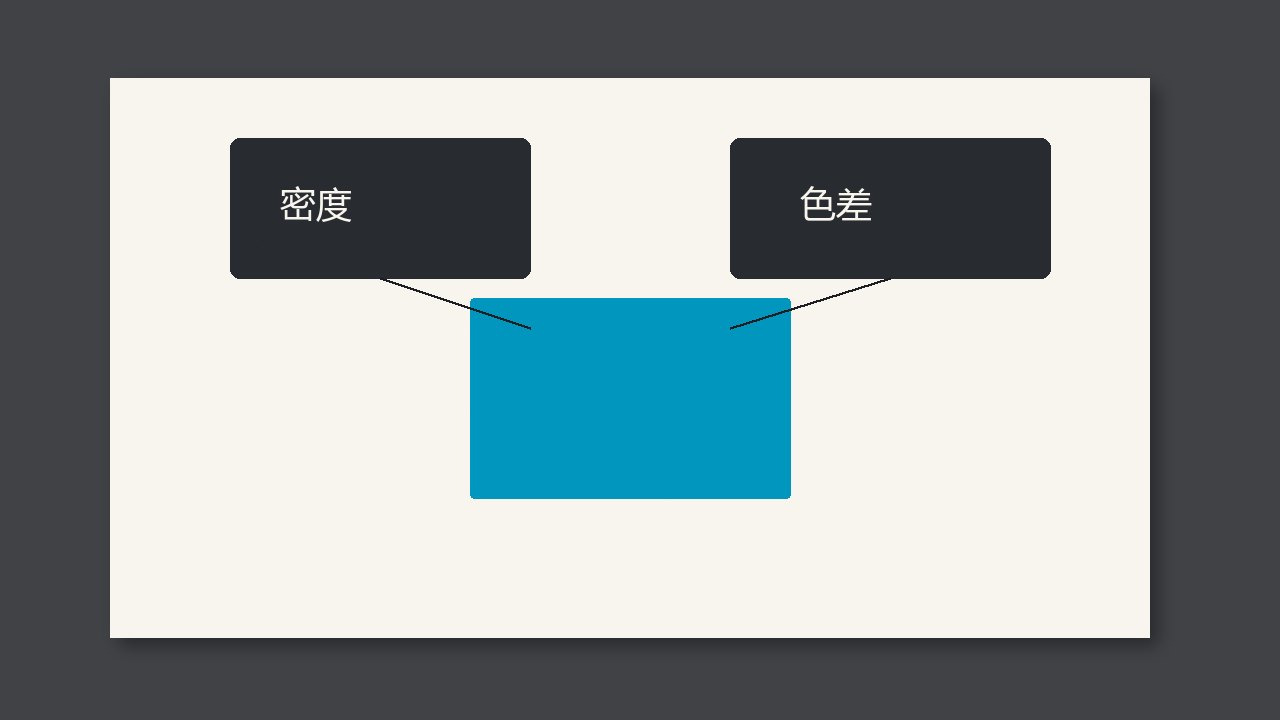
If the customer asked for colour, read Lab* and colour difference on a spectrophotometer. A densitometer number cannot stand in. Density only says whether this ink film is thick; it is for holding the film after colour is already on aim. Density in spec while hue has already drifted is still a fail.
What each number covers
A rise in density usually means this colour’s ink is thicker. It does not tell you redder or greener, and it does not tell you whether paper white changed. So make-ready on a spot or a brand colour aims at the signed sample’s Lab*. Once you are there, this run can watch the film with density, because the same bucket of ink and the same sheet, with density steady, usually keep colour steady.
Change the bucket, or the paper white changes, and density can still be that number while colour difference has already walked out. Go back to the spectro. Do not treat a density aim as a colour aim.
When to look at which
| Customer asked for | During the run | Do not |
|---|---|---|
| Colour of the signed sample | After make-ready, density may hold the film | Call colour good from density alone |
| Density only | Density is enough | Do not add a colour-difference gate of your own |
| Both written | Record both | Do not use a density pass to cancel a colour-difference fail |
Write it on the record
- On the colour set-up, write Lab*, the colour-difference formula, and the measurement condition.
- On in-run checks, write density, and note Status T or Status E.
- After a change of ink or paper, set colour again with the spectro; do not keep the density from before the change.