How to check hue difference on press
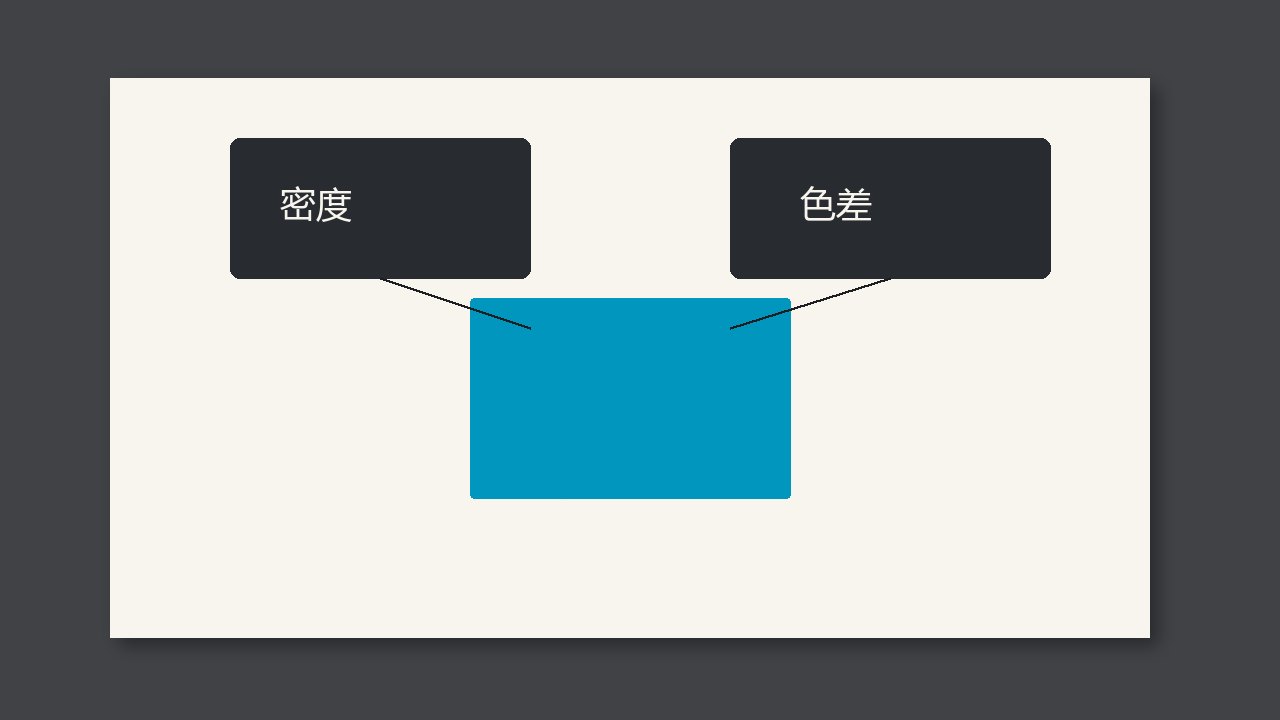
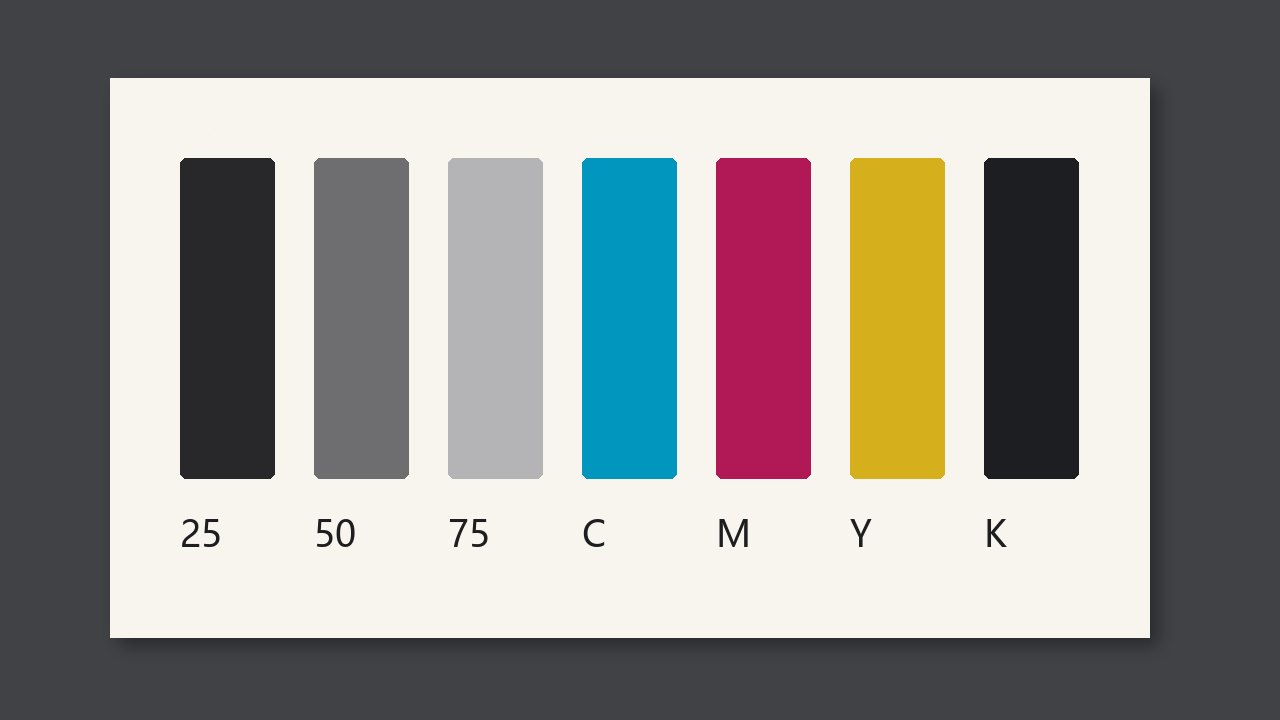
Measure the hue of cyan, magenta, and yellow. Do not look only at solid density. Density can be right and the hue can still be off. For hue difference, follow the job ticket. Do not rely on what this shift remembers.
Measure the hue of cyan, magenta, and yellow. Do not look only at solid density. Density can be right and the hue can still be off. For hue difference, follow the job ticket. Do not rely on what this shift remembers.
Check order on press
ΔH and ΔE must use the same measurement conditions. A screen that only reports ΔE cannot be used to claim that ΔH passed. If these conditions do not match, do not start calling a pass.
Check side by side
| Item | Do this | Do not |
|---|---|---|
| Hue difference | Measure the hue of cyan, magenta, and yellow. Do not look only at solid density. Density can be right and the hue can still be off. For hue difference, follow the job ticket. Do not rely on what this shift remembers. | Only write a feeling |
| The common mistake | Do not let a pass on total color difference stand in for a pass on hue. If the hue is off, gray will not be gray and skin will look dirty. | Leave the mistake in place |
| What to keep | The report must have ΔH, and it must say which color. If you only wrote ΔE, do not add that the hue also passed. | Only leave the word passed |
Check at the job change
- Confirm the report has ΔH.
- Look at cyan, magenta, and yellow separately.
- If there is no ΔH, do not write that the hue passed.