How to distinguish ink starvation from anilox roller wear
Ink starvation is a temporary supply failure: reduce speed, replenish ink, or wash out clogged cells, and the solid area will come back. Anilox roller wear is a real loss of volume: the entire same color gets lighter together, and increasing pressure still cannot restore the solid area of a new roller. When the volume drops to about 85% of a new roller, it should be replaced; do not wait until the solid area completely fails to print solid.

Ink starvation is a temporary supply shortfall: slow down, replenish ink, or clean out the clogged cells, and the solid coverage will come back. Anilox roller wear is a real loss of volume: the whole image in the same color becomes lighter together, and adding pressure cannot bring back the solid coverage of a new roller. Once volume drops to about 85% of that of a new roller, it should be replaced; don't wait until the solid no longer prints solid.
What each side is
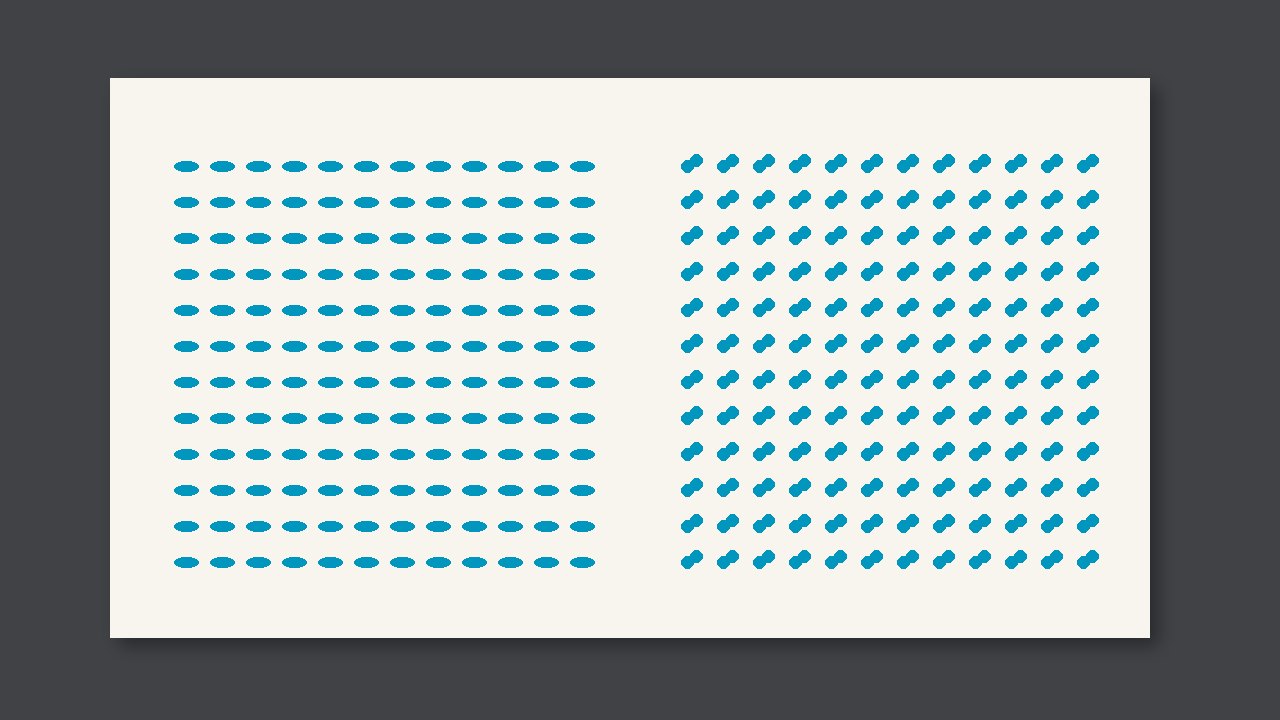
The light area on the left often tracks with the ink pan, doctor blade, or a clogged cell. If you slow the machine down, or clean out that anilox roller, the solid will cover the paper again. The light area on the right is lighter across the whole image, with no particularly light streak from operator side to drive side; adding ink only dirties the edges, and the center still does not cover.
Wear removes cell volume, not this run's ink amount. So with the same set of plates and the same pail of ink, swapping in a roller with a known volume and seeing the solid immediately return means you can settle on wear and do not need to change the ink formula.
What to do
| Symptom | More like | Do first |
|---|---|---|
| A streak or patch lightens first, and comes back after cleaning the roller or slowing down | Ink starvation or plate clogging | Clean the anilox roller, check the ink pan and viscosity |
| The whole image is lighter together, and adding pressure only increases filling-in | Insufficient volume | Compare with the new roller volume; replace below about 85% |
| Only the plate edges are light | Not yet roller wear | Check pressure and double-sided tape first; do not replace the roller |
Do this first this round
- Compare with the same pattern: the current roller and a roller whose volume is still on record.
- Clean first, then judge. If it comes back after cleaning, it is not wear.
- Write the new roller volume on the work order. Without a baseline number, do not replace the roller just because it "looks gray."