What OCR catches that a simple image compare misses
Image compare looks at shape against the template. A wrong digit with a similar stroke may pass. OCR reads the character and checks the string that should have been printed. Compare sees dirt and missing ink that OCR passes if the character still reads. Use both. Do not replace 100% inspection with OCR.
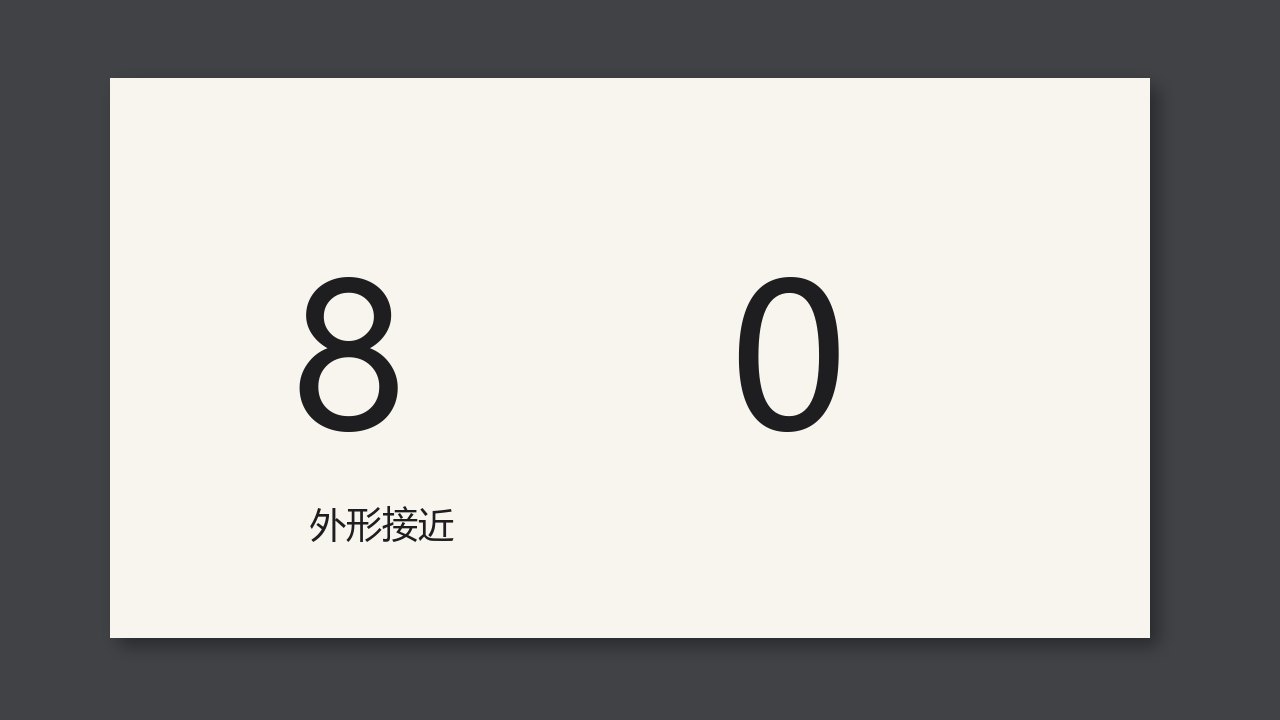
Image compare looks at whether the shape matches the template. A wrong digit whose stroke weight is close may pass the compare. OCR reads the characters and checks them against the string that should have been printed, and that is what catches the wrong character. The other way around: compare sees dirt and missing ink, and OCR will pass them if the character still reads correctly. Use both. Do not replace 100% inspection with OCR.
What each one cannot see
Compare has no idea that this should be an 8. The template is an 8, the print is a 0, and if the outline difference is under the threshold it does not alarm. OCR knows the expected string is 8. It reads 0 and alarms. But a dirt spot on the character, while the character is still read as 8, is content-correct to OCR. Only compare or defect detection sees that spot.
So on the lot-code area: compare ignores shape, OCR checks content. On the fixed artwork around the lot code: compare owns the appearance. Do not switch off defect detection for the whole label because OCR is on.
Who does what
| Problem | Compare | OCR |
|---|---|---|
| 8 printed as 0 | May pass | Catches it |
| Dirt on a character that still reads | Catches it | May pass |
| A correct number that is different on every label | Would false-alarm, so ignore it | Check the expected string |
Check at a job change
- Put in a label with a number printed wrong on purpose. Confirm OCR alarms.
- Put in a label with the right number and a dirt spot. Confirm defect detection alarms.
- Only when both fail as they should is that area set correctly.