How to mask a variable-data area so the camera does not compare it
A lot code, serial number, or barcode that changes every label cannot be compared with one fixed template, or every label alarms. Mark that area ignore and check content with barcode grading or OCR. If the ignore box is larger than the variable content, fixed type and dirt beside it are passed too.
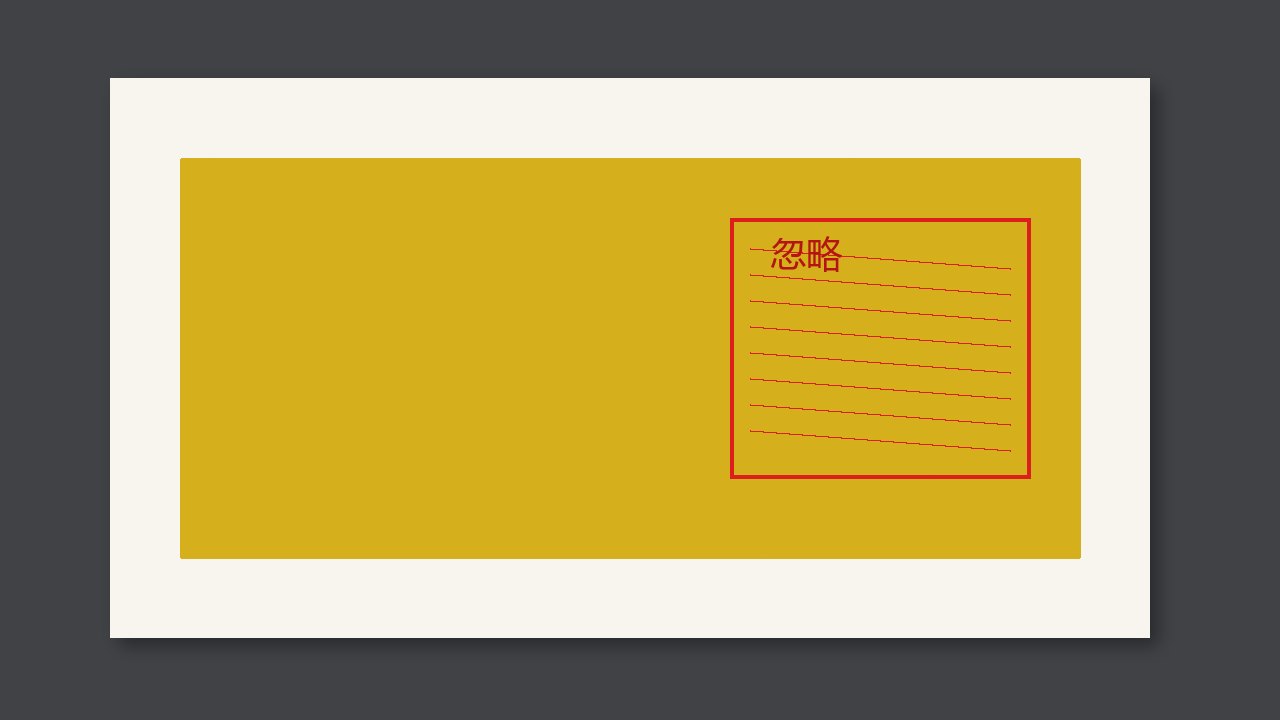
A lot code, a serial number, and a barcode that changes every label cannot be compared with one fixed template. Every label would alarm. Mark that area ignore, and check the content with barcode grading or OCR instead. If the ignore box is larger than the variable content, the fixed type and dirt beside it are also passed.
What you ignore is the compare, not the quality
Image compare wants every pixel to look like the template. Variable data is not supposed to look like it, so it comes out of the compare. After it comes out, that area must not become a place where nothing is looked at. A barcode still needs a grade, or at least a read. A lot code still needs OCR against the expected string. An ignore box with no second check is a blind spot.
Leave a small margin for the largest size of the variable content. Do not draw the box as a third of the label. The closer a fixed mark sits to the box, the more you have to check that the box does not cover it.
How to draw the box
| Area | Image compare | Other check |
|---|---|---|
| Fixed artwork | On | No substitute needed |
| Barcode or number that changes every label | Ignore | Barcode grade or OCR |
| The box covers fixed type beside it | Shrink the box | The covered type goes back into compare |
Check at a job change
- Compare two samples with different numbers. The fixed area does not alarm, and the number area does not alarm just because the number changed.
- Put a dirt spot next to the number and confirm it still alarms.
- If the dirt spot does not alarm, the box is drawn too large.