What Moiré Will Be Treated as a Defect by an Inspection System
Moiré is a wave pattern produced by overlaying two sets of regular halftone screens. If this wave pattern is actually on the printed product and is not in the signed-off proof, the inspection system should trigger an alarm. If it is not visible to the naked eye on either the signed-off proof or the printed sheet, and appears only in the camera image, that is interference between the camera and the halftone dots; the printed sheet must not be treated as waste. First take the printed sheet off the machine and inspect it, then decide whether to change the screen angle or change the camera.
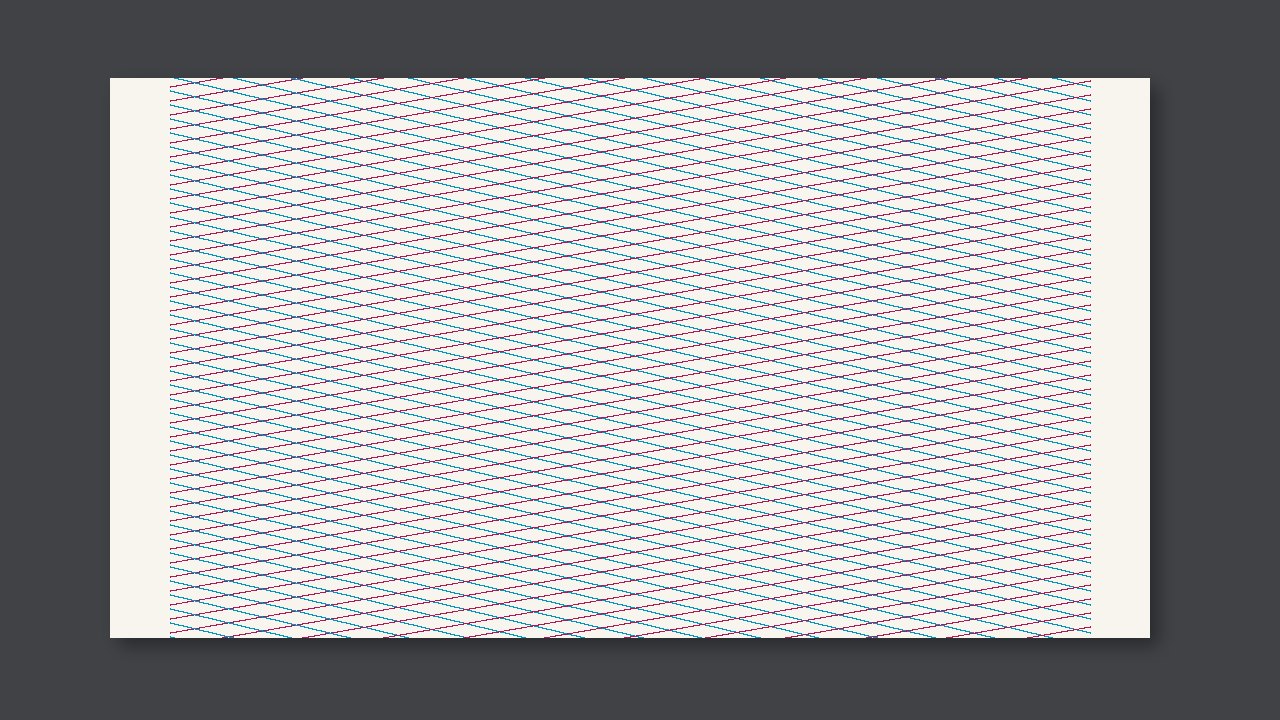
Moiré is a ripple pattern created by overlaying two sets of regular halftone screens. If this ripple is actually on the printed product and not in the approved proof, inspection should alarm. If neither the approved proof nor the printed sheet shows it to the naked eye, and it appears only in the camera image, that is interference between the camera and the halftone dots; do not treat the printed sheet as waste. First take the printed sheet off the press and look at it, then decide whether to change the screen angle or the camera.
Two kinds of moiré
Printing moiré comes from the screen angles of two colors being too close, or a screen angle being too close to fine lines in the artwork. It exists on the paper itself, not because of the camera. Turn the paper at an angle, and the pattern is still there. For this, change the color separation angle or the screen; adding ink on press will only make the pattern more visible.
Camera moiré occurs when sampling and halftone dot frequency are close, producing patches of light and dark in the image. The same sheet is flat when held in your hand. For this, change the camera resolution or angle, or have the system use the same sampling as when the approved proof was made, rather than stopping the press to change ink. If camera moiré is set as a defect, operators will be flooded with false alarms.
What to change
| Where the moiré is | Look at printed sheet off-press | Action |
|---|---|---|
| On the paper but not in approved proof | Visible | Printing moiré, change screen angle |
| Only in inspection image | Not visible | Camera interference, change acquisition |
| Also in approved proof, printed sheet same | Visible | Not a defect for this run; check whether it is allowed by the approved proof |
Do this first for this run
- When an alarm triggers, take the printed sheet off and look at it away from the screen.
- If it is not on the paper, do not stop the press to change ink or plates.
- If it is on the paper but not in the approved proof, send this pair of screen angles back to prepress/plate making.