How to grade a barcode inside a 100 percent inspection system
A 100% camera can check every label for a broken bar or an invaded quiet zone. Its letter is not an ISO/IEC 15416 grade unless the system is calibrated to a verifier’s aperture, wavelength, and scan count. Use the camera for obvious bad codes. Grade a sample on the verifier.
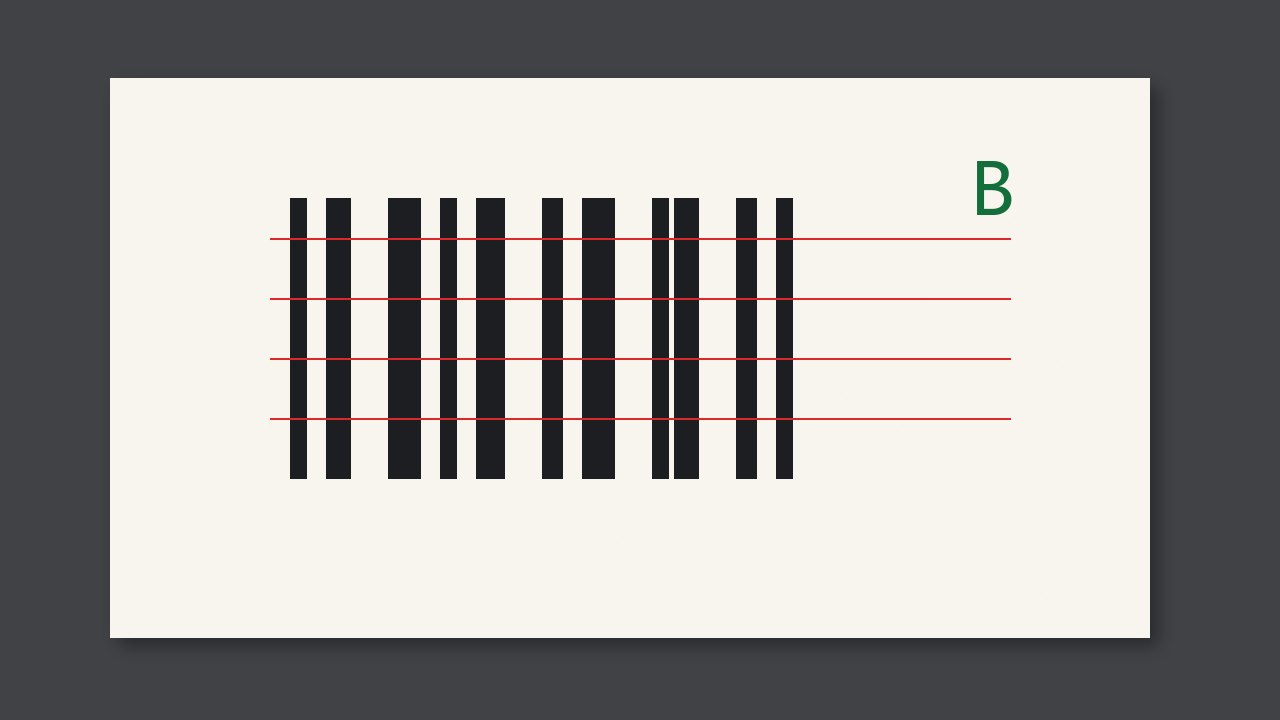
A 100% camera can look at every label for a broken bar or a quiet zone that has been invaded. The letter it prints is not an ISO/IEC 15416 grade unless the system has been calibrated to a verifier’s aperture, wavelength, and number of scans. Day to day, use the camera to catch obvious bad codes. Take a sample to the verifier for the grade.
Do not write the two results as one
If camera resolution and light are not the verifier’s set, the camera can still find a broken bar or a missing quiet zone. That is worth doing on every label. A grade depends on the specified measuring aperture, wavelength, and the algorithm over several scans. Without those, a “B” on the screen is only the software’s own score. If the customer wants 15416 grade C or better, the report comes from a verifier, or from a system that states it has been calibrated to 15416.
What to write on the report
| Equipment | You may write | You may not write |
|---|---|---|
| Camera not calibrated to 15416 | Found a broken bar or quiet-zone intrusion | An ISO grade |
| System calibrated, with aperture, wavelength, and scan count recorded | A grade | A grade that omits those parameters |
| Verifier sample | The formal grade | Using it as if every label was seen |
Check at a job change
- Ask whether this job wants camera rejects or an ISO grade.
- If it wants a grade, confirm aperture, wavelength, and scan count are recorded.
- Put in a sample with a dirty quiet zone. Confirm the camera alarms even if a scanner can still read it.
The two can run together: the camera rejects obvious failures on every label, the verifier gives the formal grade on a sample. Do not sign off with only one of them.