What a defect map is, and what it should store
A defect map is the position of every defect on this roll. Each dot needs metres along the roll, distance from the operator side, class, size, thumbnail, time, roll number, and whether a person reviewed it. A summary you cannot open is no use for rewinding or a complaint.
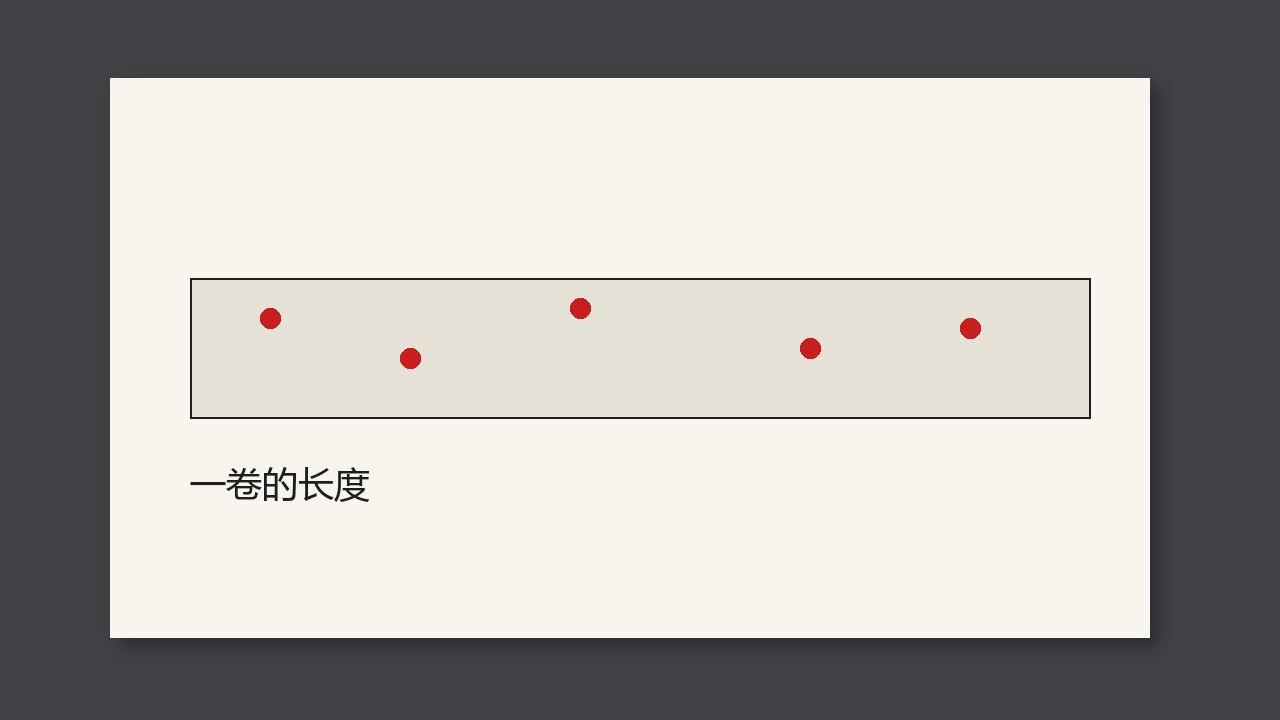
A defect map is the position of every defect on this roll. Each dot needs at least the metres along the roll, the distance from the operator side, the class, the size, a thumbnail, the time, the roll number, and whether a person reviewed it. A summary picture you cannot open into those fields is no use on the rewinder or in a complaint.
The picture is an index, not the record
Red dots on a long strip show which part of the roll the defects crowded into. What the next shift and the customer need is the fields behind the dot. Without a thumbnail the class may be wrong. Without a review field you cannot tell a system alarm from a decision a person confirmed. Without a size you cannot match the customer’s dirt table.
A full good frame does not have to be stored for every dot. That is a separate archive rule. Every alarm dot on the map must open on its own.
Each dot at least has
| Field | Use |
|---|---|
| Roll number, metres, cross-web position | Find it |
| Class and size | Match the dirt table |
| Thumbnail and time | Show it in a complaint |
| Whether it was reviewed | Separate an automatic alarm from a person’s decision |
Check at a job change
- Make a defect and open it on the map.
- Check that the metres find it on the rewinder and the thumbnail is that place.
- After review, the original alarm is still there. It is not overwritten as if it never alarmed.