When to stop for a screen clash on a food web
On a food web, if a screen clash shows in the main image, stop and change the screen angle. Do not print the whole lot. If it hits the ingredient list, an allergen, or a barcode, do not release it.
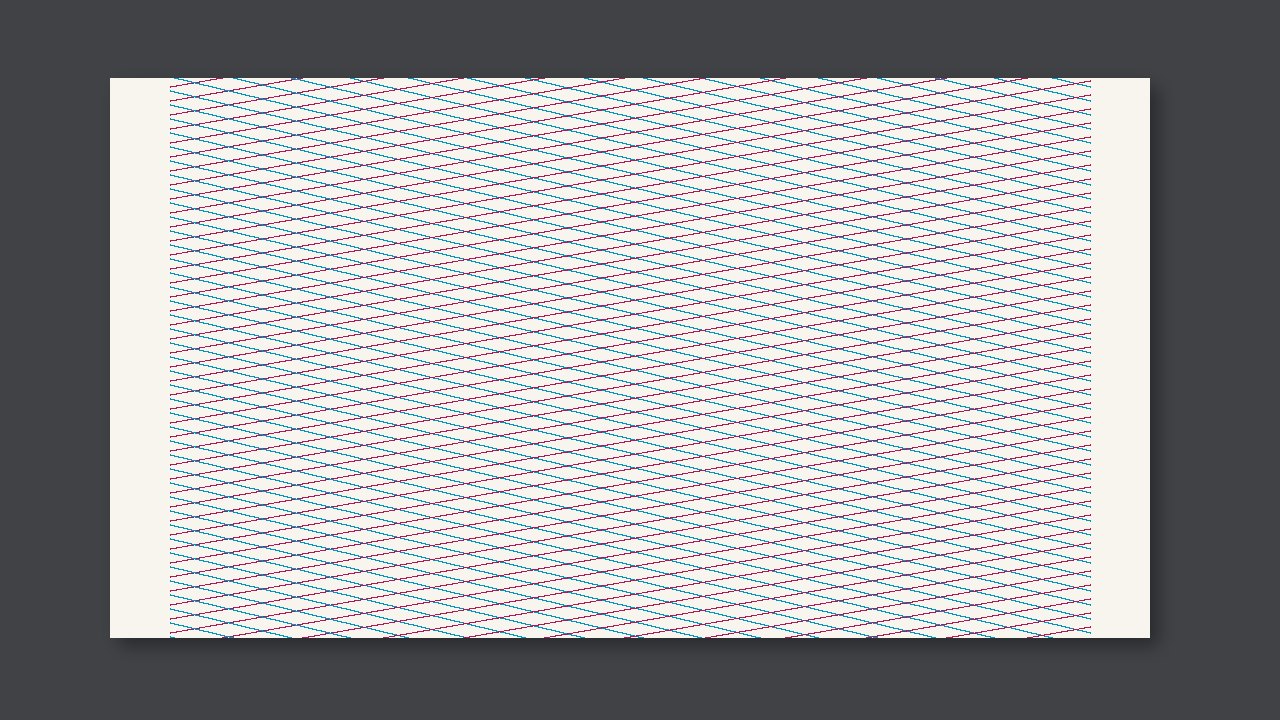
On a food web, if a screen clash shows in the main image, stop and change the screen angle. Do not print the whole lot. If it hits the ingredient list, an allergen, or a barcode, do not release it.
Look first at whether it hit a critical spot
A regular pattern appears in the halftone. Mottling does not have that regular angle. On a food web, the critical spots are the ingredient list, an allergen, or a barcode. If the decorative area has no hickey chart, do not invent a millimetre number on the spot.
Side by side
| What you see | Call | Do not |
|---|---|---|
| A regular pattern in the halftone. | In the main image, stop and change the angle. Do not run the whole lot. | Add ink or impression the moment you see it |
| It lands on the ingredient list, an allergen, or a barcode | This one cannot be released | Wait for the next process to find it |
| Only on decoration, and there is no hickey chart | Keep a sample and confirm | Write your own millimetre number |
Do this first on this pass
- Confirm it is a screen clash: a regular pattern in the halftone.
- Check screen angles or screen ruling. Do not wash it as a dirty plate.
- Note each color's angle and ruling.