When to stop for edge scum on a textured wine label
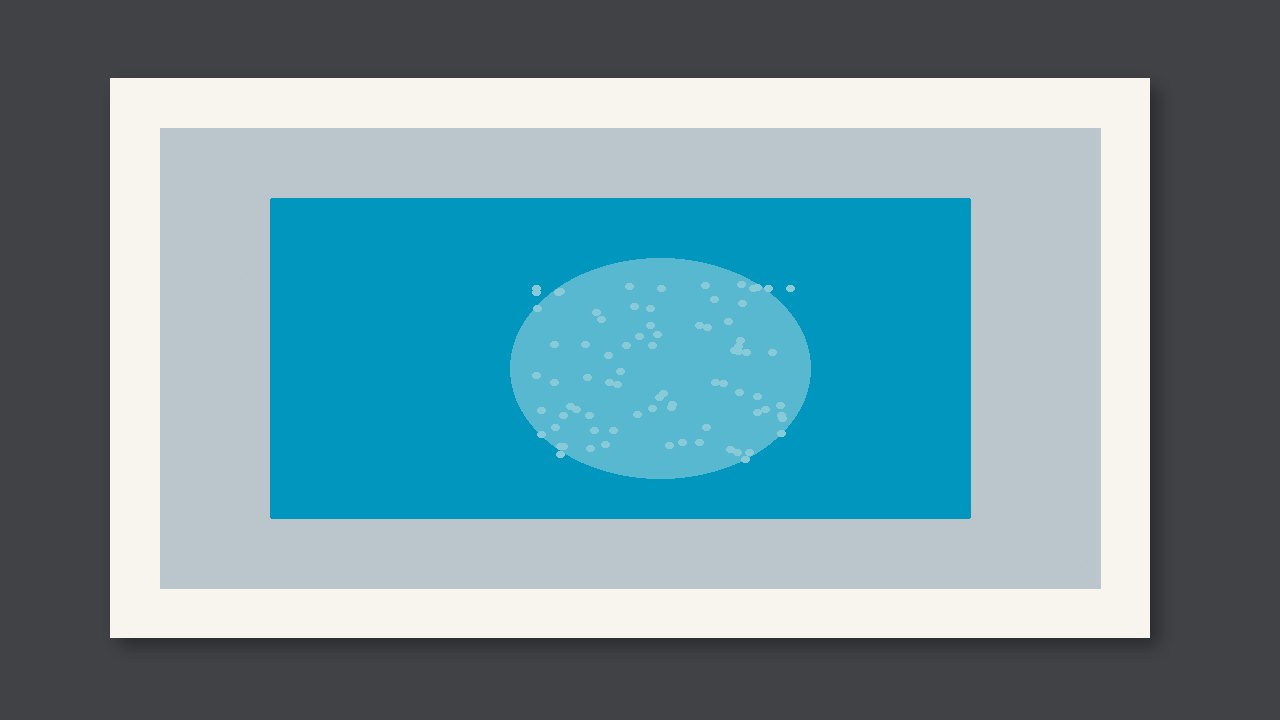
On a textured wine label, stop if the dirty edge runs into fine type or a barcode. Don't pass it if it hits the wine name or the smallest legal text. The dirt is only a ring around the image edge. The middle of the unprinted area stays clean.

On a textured wine label, stop if the dirty edge runs into fine type or a barcode. Don't pass it if it hits the wine name or the smallest legal text. The dirt is only a ring around the image edge. The middle of the unprinted area stays clean.
First see whether it hit the critical spot
The dirt is only a ring around the image edge. The middle of the unprinted area stays clean. Scumming spreads into the middle of the blank. It does not stay only on the edge. On a textured wine label, the critical spot is the wine name or the smallest legal text. On decoration, with no defect sheet, don't invent a millimetre limit on the spot.
Check against this
| What you see | Call | Don't |
|---|---|---|
| The dirt is only a ring around the image edge. The middle of the unprinted area stays clean. | Stop if the dirty edge runs into fine type or a barcode. | Add ink or pressure just because you saw it |
| It lands on the wine name or the smallest legal text | Don't pass this one | Wait for the next process to find it |
| Only on decoration, and there is no defect sheet | Keep a sample and confirm | Write your own millimetre number |
Do this on this pass
- Confirm it is edge scum: the dirt is only a ring around the image edge. The middle of the unprinted area stays clean.
- Check impression and water. Don't add ink across the whole plate.
- Note which color's impression and water.