When to stop for dot gain on corrugated preprint
On corrugated preprint, stop if dot gain is past what this job agreed. If nothing was agreed, do not set a number yourself. If it hits the barcode or the large product name, do not release it.
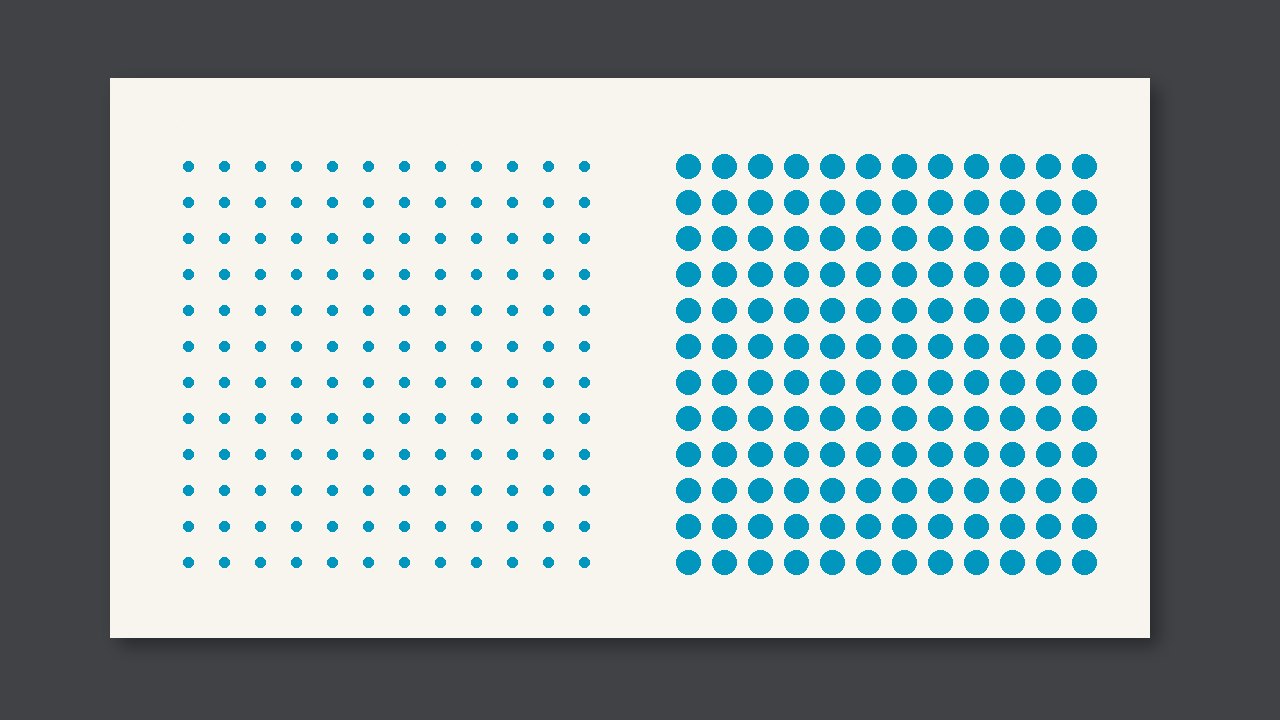
On corrugated preprint, stop if dot gain is past what this job agreed. If nothing was agreed, do not set a number yourself. If it hits the barcode or the large product name, do not release it.
Look first at whether it hit a critical spot
The dots are larger all around than on the signed sample. Slur stretches in one direction. Gain is all around. On corrugated preprint, the critical spots are the barcode or the large product name. If the decorative area has no hickey chart, do not invent a millimetre number on the spot.
Side by side
| What you see | Call | Do not |
|---|---|---|
| Dots larger all around than the signed sample. | Stop if gain is past this job's agreement. With no agreement, do not set one. | Add ink or impression the moment you see it |
| It lands on the barcode or the large product name | This one cannot be released | Wait for the next process to find it |
| Only on decoration, and there is no hickey chart | Keep a sample and confirm | Write your own millimetre number |
Do this first on this pass
- Confirm it is dot gain: dots larger all around than the signed sample.
- Use tone value on the control strip. Do not judge by how dark the screen looks.
- Note the strip position, the instrument, and the reading.