What a camera needs to see dry-back on a food web
To see dry-back on a food web, remember the camera cannot see dry-back while the ink is wet. If you can't see it, change the light or the resolution first. Don't loosen the threshold first.

To see dry-back on a food web, remember the camera cannot see dry-back while the ink is wet. If you can't see it, change the light or the resolution first. Don't loosen the threshold first.
If you can't see it, fix the optics first
The color just printed and the color after drying are not the same. After drying it is usually darker or duller. If the image can't separate it at all, changing the threshold only paints the ingredient panel and the heat-seal area of the food web red. The camera cannot see dry-back while the ink is wet.
Optics
| Need | Enough | Not enough |
|---|---|---|
| The camera cannot see dry-back while the ink is wet. | The color just printed and the color after drying are not the same. After drying it is usually darker or duller. | Only a blurry circle left |
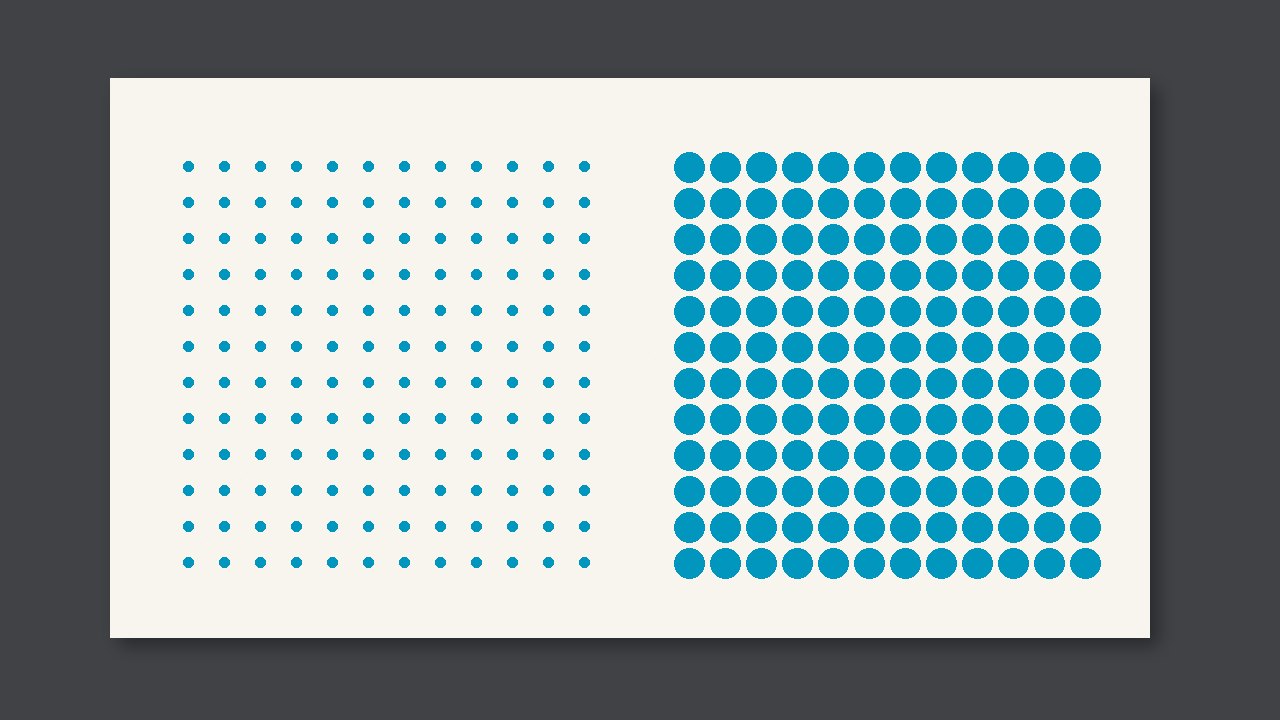
| About 3 pixels across | Shows steadily | It comes and goes, and you still log it as detectable |
| The ingredient panel and the heat-seal area are in the field of view | The critical spot is seen | You only light the decorative edge |
Try it on a sample
- Confirm you can separate it in the image: The color just printed and the color after drying are not the same. After drying it is usually darker or duller.
- Count about how many pixels it covers.
- If you can't see it clearly, change the light or the focus. Don't change the threshold.