How to tell fill-in from lookalikes on corrugated preprint
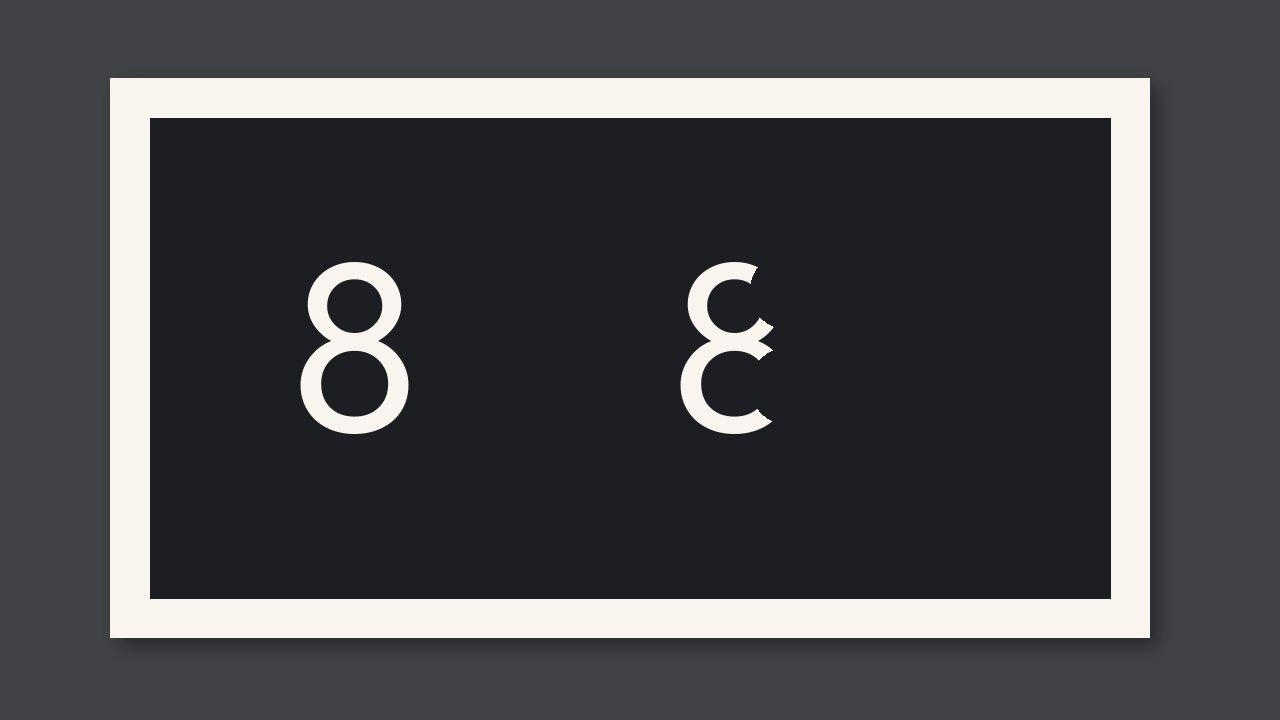
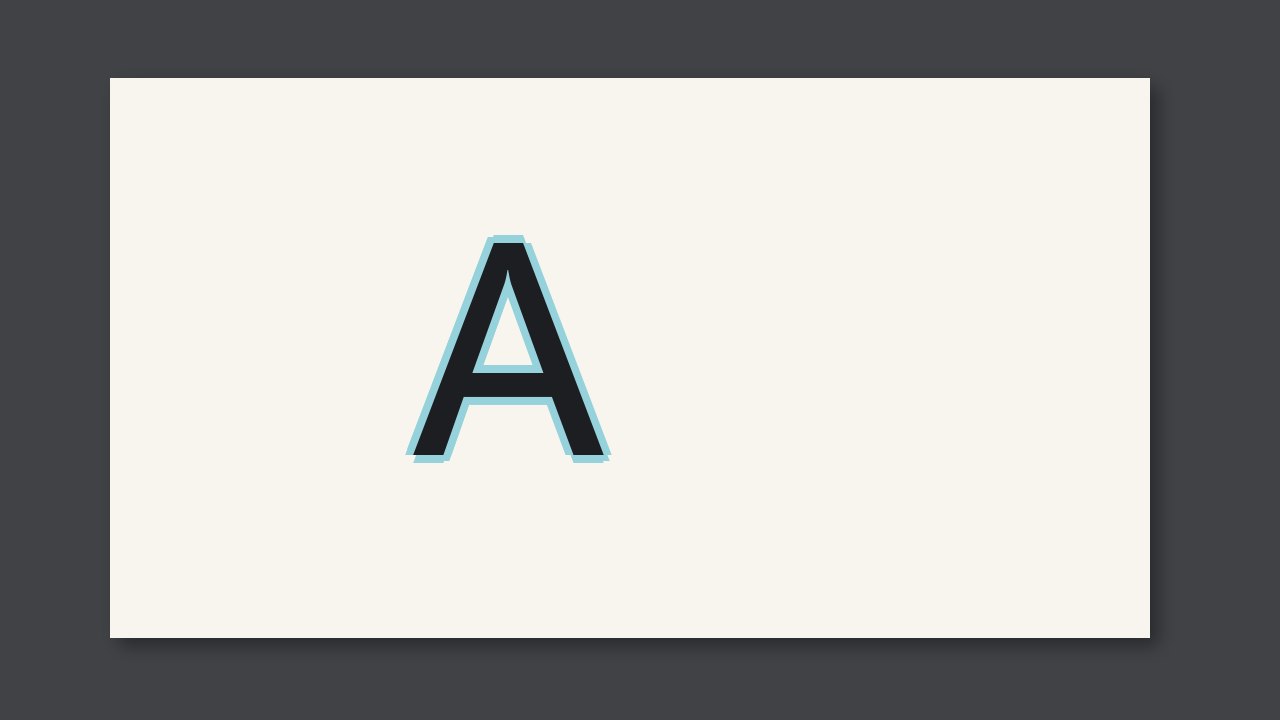
On corrugated preprint, split fill-in from lookalikes: when register is off, the type is still clear, only shifted. Until you can tell them apart, do not adjust the press for the wrong cause. Fine type gets heavier, reverse type shrinks or plugs.
On corrugated preprint, split fill-in from lookalikes: when register is off, the type is still clear, only shifted. Until you can tell them apart, do not adjust the press for the wrong cause. Fine type gets heavier, reverse type shrinks or plugs.
Name it wrong and you adjust the wrong place
Fine type gets heavier, reverse type shrinks or plugs. If you call it something else, you skip this step: reduce ink or impression first. Do not hide it by raising the screen ruling. The barcode and the product name decide release. They do not decide what it is called.
How to tell them apart
| What you see | Closer to | How to separate |
|---|---|---|
| Fine type gets heavier, reverse type shrinks or plugs. | Fill-in | Do not name it from one white spot |
| When register is off, the type is still clear, only shifted. | Handle it as that other defect | Do not use the same adjustment |
| It sits on the barcode and the product name | Protect this area first | Do not ignore the location just to name it |
Confirm on the spot
- Look, or use a loupe: fine type heavier, reverse type smaller or plugged.
- Rule it out: when register is off, the type is still clear, only shifted.
- Reduce ink or impression first. Do not hide it by raising the screen ruling.