How to synchronise the camera to the print repeat rather than to time
To land the camera on every impression, follow the plate circumference with an encoder on the plate cylinder, or one geared 1:1 to it. Do not guess with a fixed time interval. When the speed changes, time sampling cuts into the previous impression or the next one, and the template no longer matches.
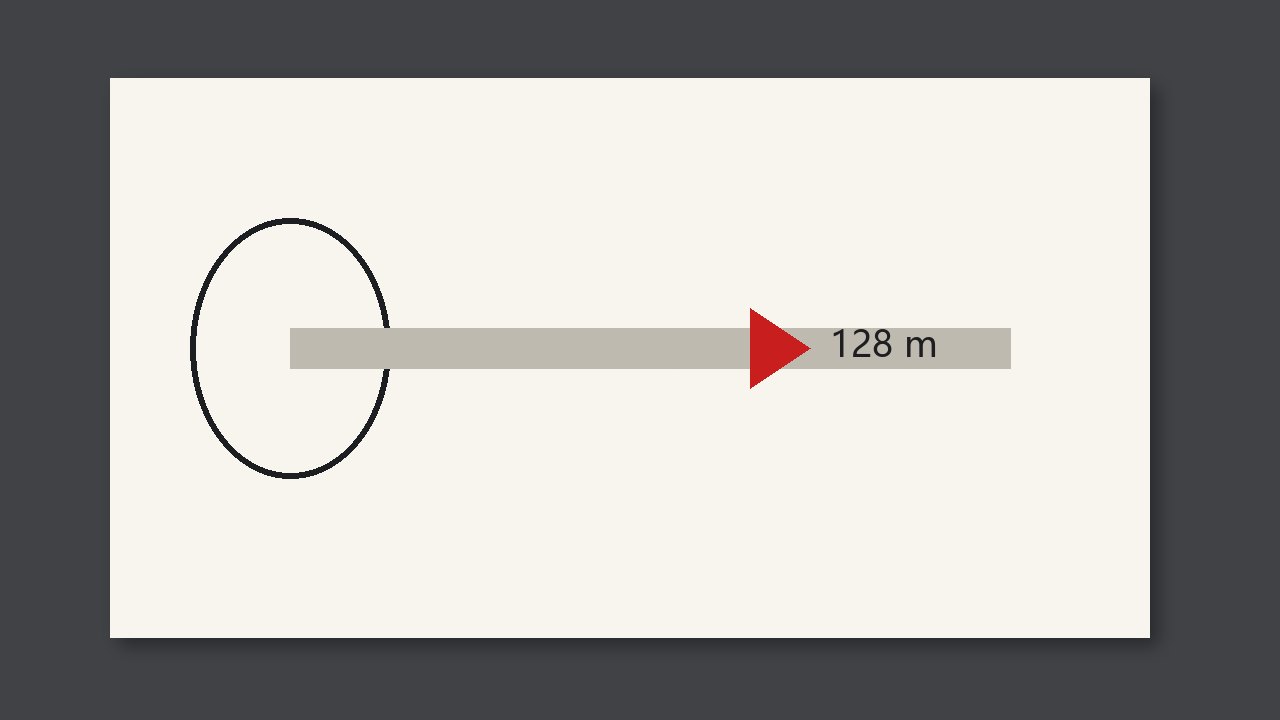
To land the camera on every impression, follow the plate circumference. Use an encoder on the plate cylinder, or one geared 1:1 to that circumference. Do not guess with a fixed time interval. When the speed changes, sampling by time cuts into the previous impression or the next one, and the template no longer matches.
Why it is judged this way
Time synchronisation is right only by chance, and only while the speed is constant. Acceleration, deceleration, and a jog all shift the picture. It looks like misregister or a defect across the whole web. Look at which roll the encoder is mounted on before you call it a real defect.
What to compare
| What you see | Call it | Do not |
|---|---|---|
| The picture shifts when the speed changes, and is good at constant speed | Check synchronisation first | Adjust the print register |
| The encoder is on an idler and that roll slips | It cannot stand for the plate circumference | Treat it as already synchronised |
| Jog one impression and the picture still lines up | The synchronisation is usable | Only glance at it at top speed |
Check at a job change or a new roll
- Confirm the encoder follows the plate cylinder, not an idler that can slip.
- Look once while accelerating and once while decelerating. The picture must not shift as a whole.
- After the plate circumference changes, reset the pulses per revolution. Do not keep the previous job.