How to specify different sensitivities for different regions
The contract must allow different sensitivities by region: barcode and text tight, background loose. At acceptance, draw two regions and set two values on the spot.
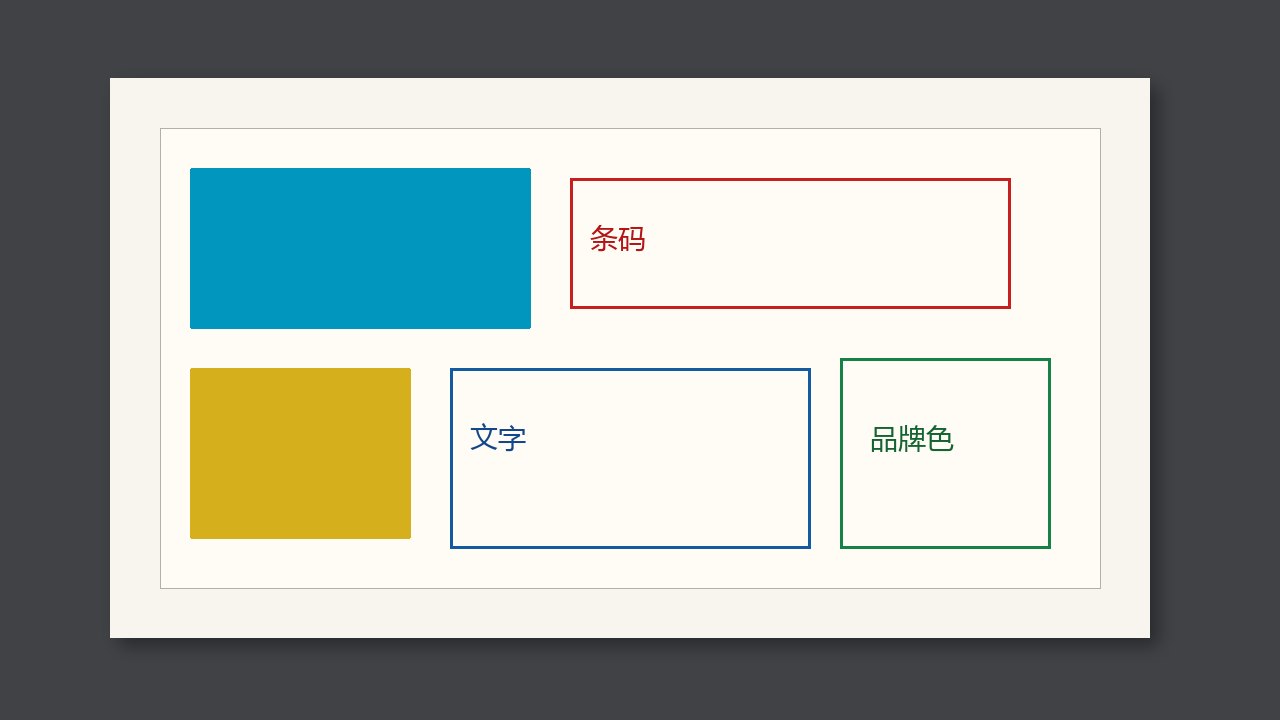
The contract must say that different regions can be set to different sensitivities: barcode and text tight, background loose. A system that cannot zone will either false-alarm often, or leave the text as loose as the background. At acceptance, draw two regions on the spot, set two values, and see whether each takes effect.
Why it is judged this way
One threshold for the whole image cannot serve both a textured sheet and fine type. In the enquiry, write “at least several regions, each with its own sensitivity”. If on site you can only raise or lower the whole image, it does not match the quote.
What to compare
| What you see | What to call it | What not to do |
|---|---|---|
| Two regions, two values, both take effect | It meets the requirement | Look only at the brochure picture |
| Only one value for the whole image | It does not meet zoning | Make do by how the operator runs it |
| Regions are not saved to the next job | They are lost at job change | Treat it as already able to zone |
At job change or when a roll is opened
- Ask the demo to mark the barcode and the background.
- Loosen the background and tighten the barcode.
- Switch to another template and back, and see whether the settings are still there.