How to link a defect image to a job number the system already has
Use the job number that already exists. Scan it at roll start. With no job number, do not start counting output.
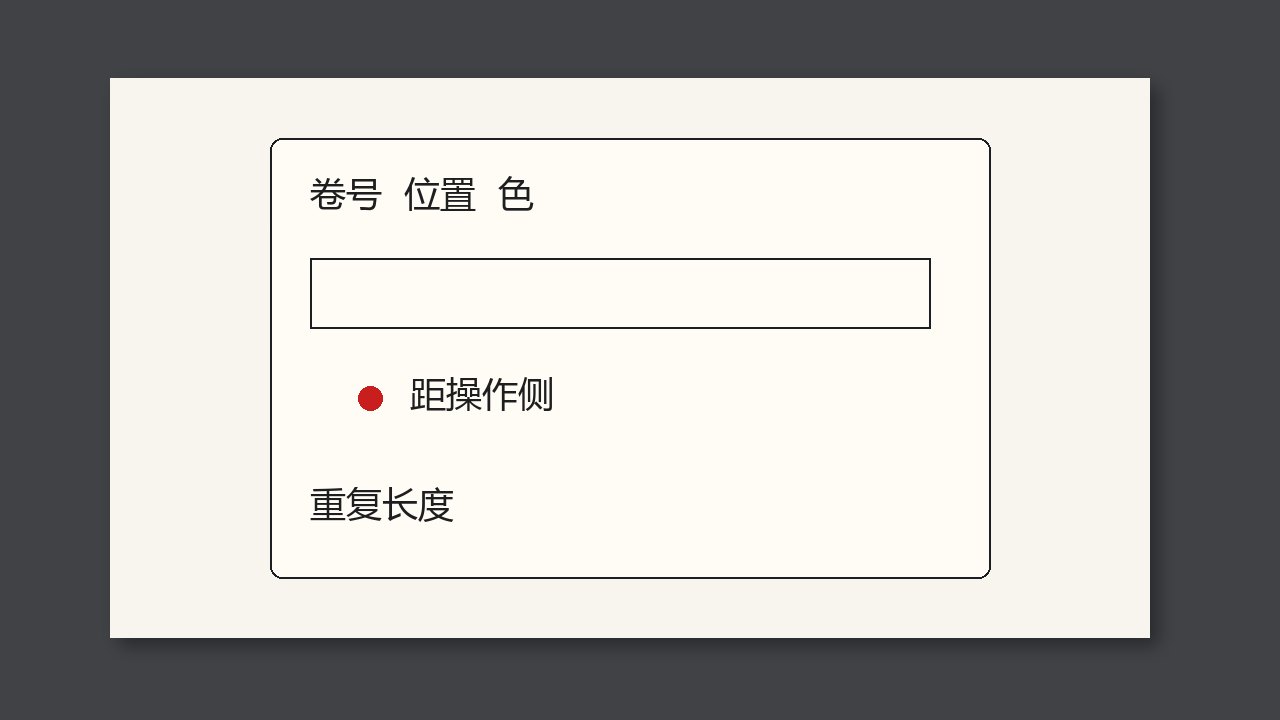
A defect image must link to the job number that already exists. Do not start a second set of numbers that belong only to the camera. At roll start the operator types or scans the job number into the inspection system. An image with no job number cannot later go into this batch’s file.
Why it is judged this way
Two sets of numbers are the main reason a complaint does not match. If the inspection roll number differs from the warehouse roll number, there must be a cross-reference, and it must be filled every time. Better to keep only the job number plus a roll sequence.
What to compare
| What you see | What to call it | What not to do |
|---|---|---|
| The number on the image is the job number | It can be filed | Invent a separate internal number |
| The job number was not entered at roll start | This stretch is not filed yet | Guess later from the clock |
| The warehouse roll numbers differ | There must be a cross-reference | Assume everyone already knows |
At job change or when a roll is opened
- On the roll-start entry, make the job number required.
- Scan it. Type by hand less often.
- Pull one image and see whether it can be found on the job.